
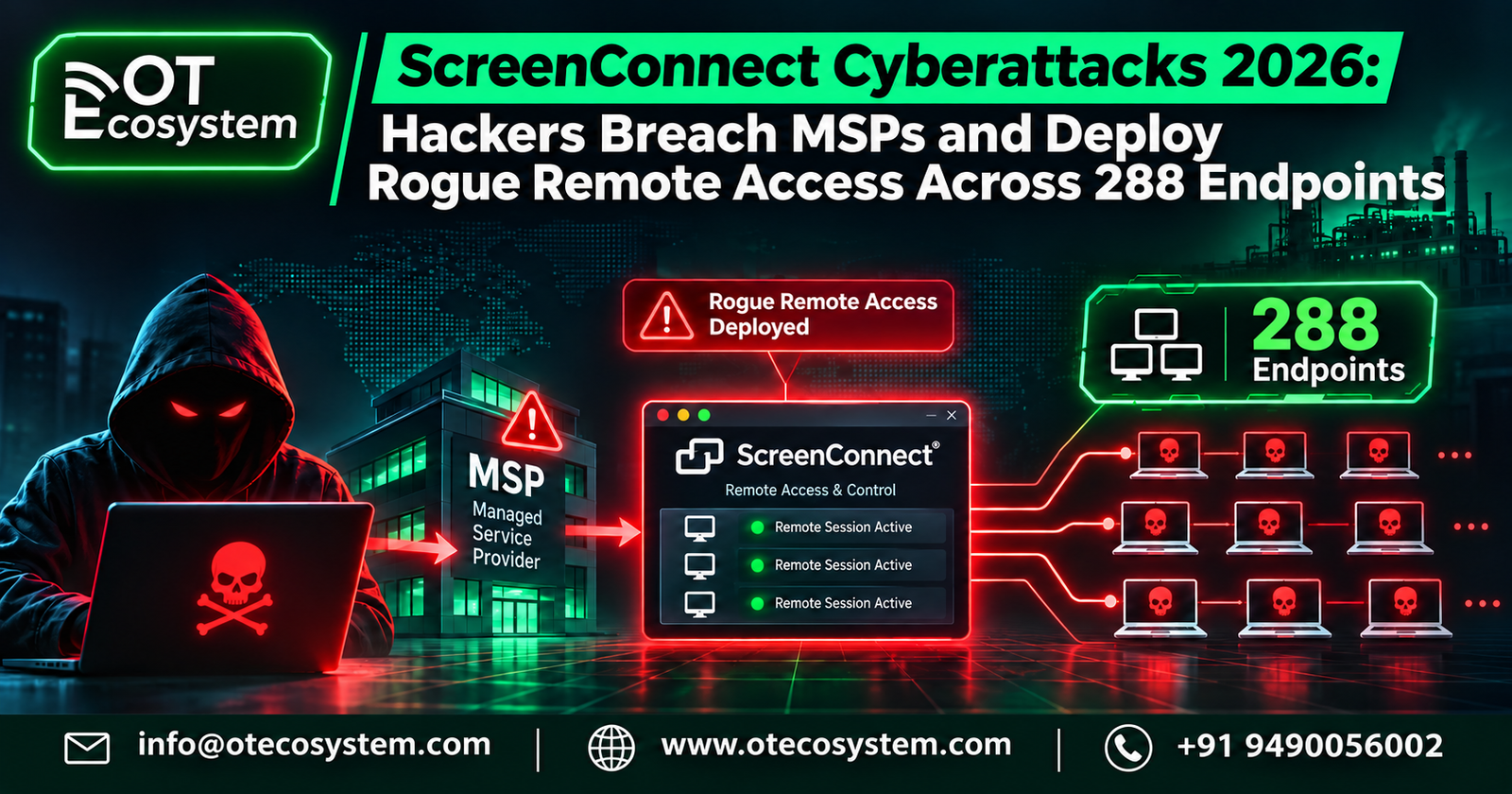
On 11 November 2026, security firm Huntress detected an active campaign in which attackers used compromised, cloud-hosted ConnectWise ScreenConnect environments belonging to managed service providers (MSPs) to install rogue ScreenConnect clients on customers’ endpoints. Huntress first counted six MSPs and 286 endpoints across 47 organizations; later reporting put the figure at at least 288 endpoints across 48 organizations. The numbers were still rising when the first reports were published.
For OT and industrial security teams, the incident matters well beyond IT help desks. The same pattern, a trusted vendor or integrator tool that can run commands on many customer systems, is how third-party maintenance access commonly works in plants, utilities and building-management environments.
Important framing: This should not be described as a confirmed ScreenConnect zero-day. ConnectWise says it has found no ScreenConnect vulnerability and no compromise of its own infrastructure, and how the attackers first got in remains unconfirmed.
What happened: incident overview
- Detection: Huntress said its SOC began working the campaign around 17:47 UTC on 11 November, targeting cloud-hosted ScreenConnect instances.
- Scope at first disclosure: six compromised MSPs, 286+ endpoints, 47 organizations. Subsequent reporting counted at least 288 endpoints across 48 organizations.
- Speed: per Huntress research as relayed by GBHackers, all 288 hosts were hit within about 90 minutes, with roughly a third in the first 10 minutes.
- Vendor response: ConnectWise confirmed to BleepingComputer it was investigating malicious activity affecting a “limited number” of ScreenConnect partners, and published a Trust Center advisory at 22:45 UTC on 11 November.
- Geography and sectors: the campaign is described as global; Huntress and ConnectWise have not published victim names or sector breakdowns. Treat any sector claims as unverified.
Huntress also noted that observed tags begin partway through a sequence, which suggests other MSPs may have been compromised earlier, so ScreenConnect users are advised to review their Run Command history even without alerts (reported in a republished summary of Huntress’s findings; confirm in Huntress’s original post).
Root cause: what is known and what is not
Confirmed or stated by the parties:
- Attackers used ScreenConnect’s legitimate Run Command functionality to execute commands on managed endpoints.
- ConnectWise’s initial assessment suggests the actor deployed additional remote-access software through independent third-party extensions that partners may have added. It disabled five of them in about 400 partner environments as a precaution: Labtech Plus, RMM Plus, RMM+, RMM Plus Password Link and RMM+ Password Link.
- ConnectWise stresses that having an extension installed does not by itself mean a partner was affected, and that disabling extensions does not remove software or persistence already planted.
Reported but secondary (verify against Huntress and ConnectWise primary posts):
- Huntress later tied the activity to RMM+. Per GBHackers and CyberPress, versions 1.0.31 and 1.0.32 accepted a blank access key when an administrator never configured one, authenticating API calls by a shared key instead of ScreenConnect accounts, roles or MFA. Commands appeared in logs tied to RMM+ without corresponding login activity.
- Early Huntress telemetry had pointed to compromised credentials and hijacked MSP support sessions.
Still unknown: the confirmed initial access vector for each MSP, whether every victim ran a flagged extension, and whether earlier compromises exist.
Attack methodology
According to Huntress findings reported by GBHackers and CyberPress:
- Command execution as SYSTEM. Operators used Run Command to send instructions to groups of endpoints at once. Commands downloaded an installer to C:\Windows\TEMP\sc.msi, installed it silently and wrote a base64-encoded dropper, sckit-run.bat.
- SCKit delivery. The dropper fetched a decoder and a machine-specific encrypted copy of SCKit, a 16-file toolkit of PowerShell, batch and command scripts. The server keyed each copy to the victim’s Windows UUID.
- Persistence outside the MSP. The legitimate ScreenConnect service is stopped and set to manual; an attacker-controlled client takes over its connection slot so the machine still appears normal. A second rogue client is installed and Microsoft Defender exclusions are added. A scheduled task named TrapWatch and a Run key RelayTrapLiteAlert provide persistence, with files under C:\ProgramData\RelayTrap\.
- Technician-workstation trap (not observed succeeding). Code analysis shows a second stage meant to wait for a technician to connect to an infected host, pull a batch file over file transfer, steal the .aspxauth session cookie and replay it against the panel, then upload a payload to the Shared Toolbox. Huntress has not seen this jump succeed; console-takeover attempts failed in every recovered host log.
- Possible AI-assisted code. Huntress noted the C# RelayTrap source looks LLM-generated, based on its detailed comments. That is an inference, not proof.
Terminology caution: SCKit has worm-like logic, but Huntress attributed the observed deployments to commands issued from management consoles, not verified autonomous spreading.
Threat actor and attribution
No attribution has been made. ConnectWise has not named an actor and Huntress has not published one. Do not conflate this with other 2026 ConnectWise events:
- ConnectWise’s Cloud Backup (formerly SkyKick) incident in October 2026 was attributed by ConnectWise, citing Microsoft threat intelligence, to a China state-aligned group. ConnectWise’s published materials do not link that incident to this one, and no public source I reviewed does.
- Earlier ScreenConnect abuse (CVE-2024-1709 and CVE-2024-1708 in 2024; a 2025 nation-state intrusion at ConnectWise) involved different mechanisms.
Impact assessment
- Operational: MSP-managed endpoints carry attacker-controlled remote access that survives credential resets and extension disablement.
- Scale: at least 288 endpoints, 48 organizations, six or more MSPs at first count. About 400 partner environments had a flagged extension, which is an exposure measure, not a victim count.
- Data and financial impact: not disclosed. No ransomware, data theft or extortion has been publicly tied to this campaign in the sources reviewed.
- Regulatory: no regulatory filings reported yet. Affected organizations should assess notification duties under contracts and applicable law once scope is known.
- Reputational: significant for MSPs, whose customers will ask about tool access and logging.
IT, OT, IoT and industrial implications
ScreenConnect is an IT remote-support tool, and no OT-specific victims have been reported. The relevance is structural:
- Vendor and integrator remote access to HMIs, engineering workstations, historians and jump hosts often rides on commercial remote-access tools like this one. A compromised provider console equals command execution on every connected customer host.
- Industrial support workstations that technicians use to bridge into process networks are exactly the “technician pivot” targets this toolkit was built to catch.
- Persistence that mimics the legitimate client is hard to spot on systems with minimal EDR, which describes many plant-floor Windows hosts.
- Supply-chain concentration: one provider’s console can reach many sites, so segmentation must assume the provider is a potential adversary path.
Incident response and recovery status
- ConnectWise disabled the five extensions in roughly 400 cloud partner environments; on-premises partners must disable them themselves. Partners are told not to re-enable or reinstall them pending guidance.
- ConnectWise and Huntress advise not starting interactive ScreenConnect sessions with suspect endpoints, to avoid exposing technician workstations. Use EDR live response, WinRM or another out-of-band tool.
- Huntress reports some machines were reinfected after isolation was lifted, so validate cleanup before restoring connectivity.
- Investigation is ongoing; ConnectWise says it will post updates to its Trust Center. I could read only part of the Trust Center page during research, so check it directly for the newest wording.
Indicators of compromise (as published by Huntress via secondary reporting)
| Type | Indicator |
| Rogue client IDs | 2588ef5c15954b10, ed630cc2c873b091 |
| Attacker IPs | 185.99.255[.]28, 155.94.150[.]39 |
| Domains | sc.payproofkit[.]com, newnewnew.gotdns[.]org, soxnewwork.homedns[.]org, cdn007-digitaldownloads[.]com |
| Persistence | Scheduled task TrapWatch; Run key RelayTrapLiteAlert; folder C:\ProgramData\RelayTrap\ |
| Files | sc.msi, sckit-run.bat, ToolboxRelayUploader.exe, sqlite3.exe |
| Pattern | Installer URLs ending &c=Exploited<N> |
File hashes are weak indicators because scripts are rebuilt per host. Pull full IOC lists from Huntress’s own post.
Security recommendations
For MSPs and ScreenConnect admins
- Confirm the five extensions are disabled and keep them off until ConnectWise says otherwise.
- Audit Run Command and Shared Toolbox history for the past several days, even without alerts.
- Revoke ScreenConnect and identity-provider sessions and rotate credentials from a clean device.
- Enforce SSO with phishing-resistant MFA, IP allow-listing for the panel, and least-privilege roles.
- Inventory every extension; remove any not required and configure shared secrets explicitly.
- Alert on new or unfamiliar ScreenConnect client IDs and on services pointing to unknown relay hosts.
For customers of MSPs
- Ask your MSP in writing whether it uses ScreenConnect, which extensions it runs and whether it has checked for these IOCs.
- Hunt for the IOCs above and for ScreenConnect clients that are not in your approved inventory.
- Remove the rogue client, TrapWatch task, RelayTrap folder and Run key; check Defender exclusions.
For OT and industrial operators
- Terminate vendor remote access at a controlled jump host in the DMZ, with session recording and time-boxed approvals.
- Never install general-purpose remote-support agents directly on Level 2-3 assets unless formally approved and monitored.
- Require contractors to disclose their remote-access tooling and notify you of tool-level incidents.
- Maintain an allow-list of remote-access software and alert on new installs, including on engineering workstations.
- Rehearse an “MSP is compromised” scenario: how fast can you cut every provider channel?